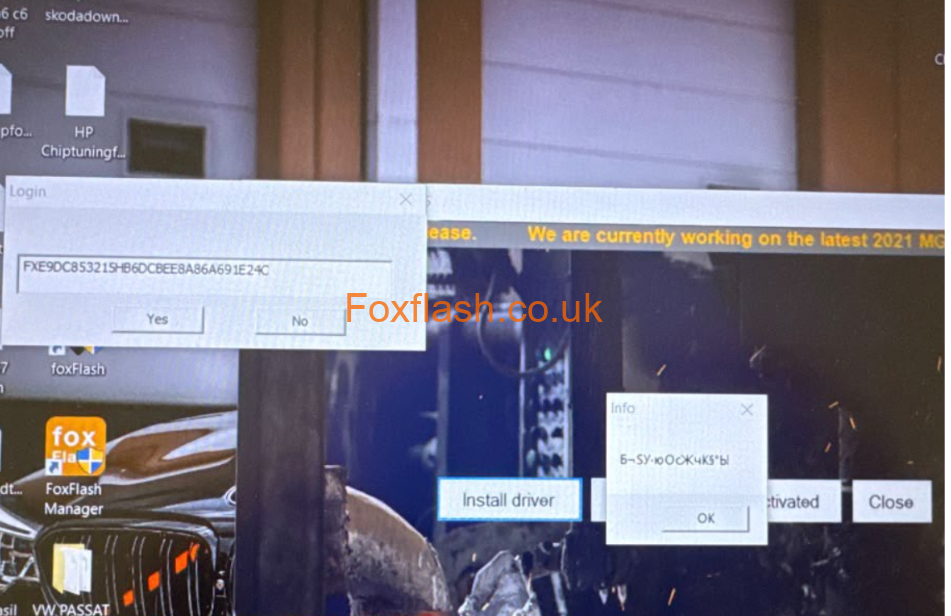



Foxflash Device Can’t Use Solution:
For everyone of you who can’t use foxflash just go to your apps select fox manager, click on uninstall, then go to the DFB Technology folder in Program Files(x86) and delete that folder as well. Then visit dfb-technology.com download the new manager and install foxflash from the manager (by clicking download). Make sure windows defender and/ or antivirus is turned off. For those of you that need to use foxflash quicker and don’t have the time to install it properly now you can download the archive with foxflash, unzip it and and move it manually in C\ Program
Files(x86) and run foxflash from there
Foxflash Manager Download: https://mega.nz/folder/QcsjjBBB#2OK57FCbUeMggAvvNKlUbw