


A practical guide to antenna alignment, contact positioning, positioning masks and common mistakes to avoid when using Korhex with FLEX.
Working with advanced ECU and MCU technology requires precision and careful setup. Even a small positioning detail can make a significant difference in connection stability and glitch execution.
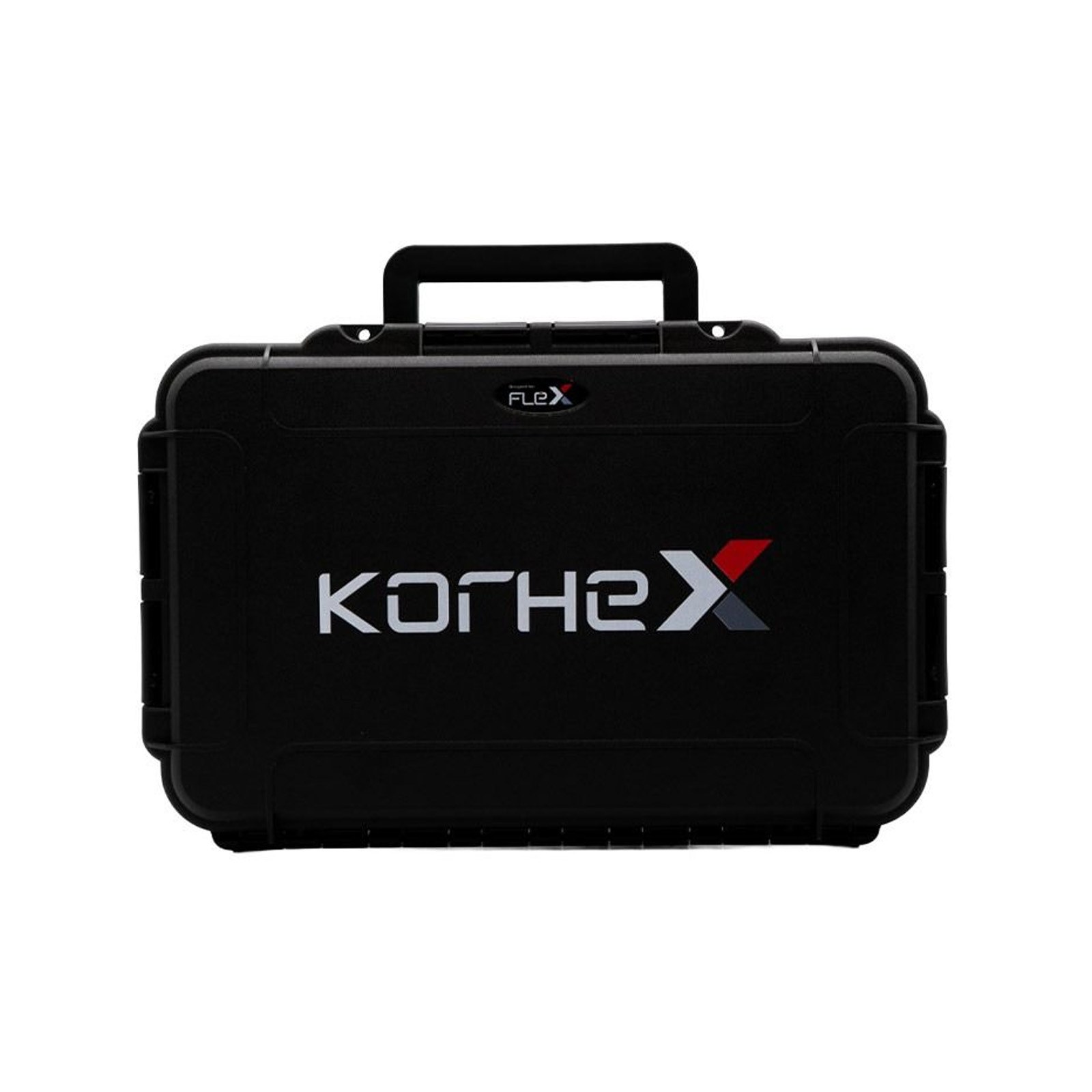
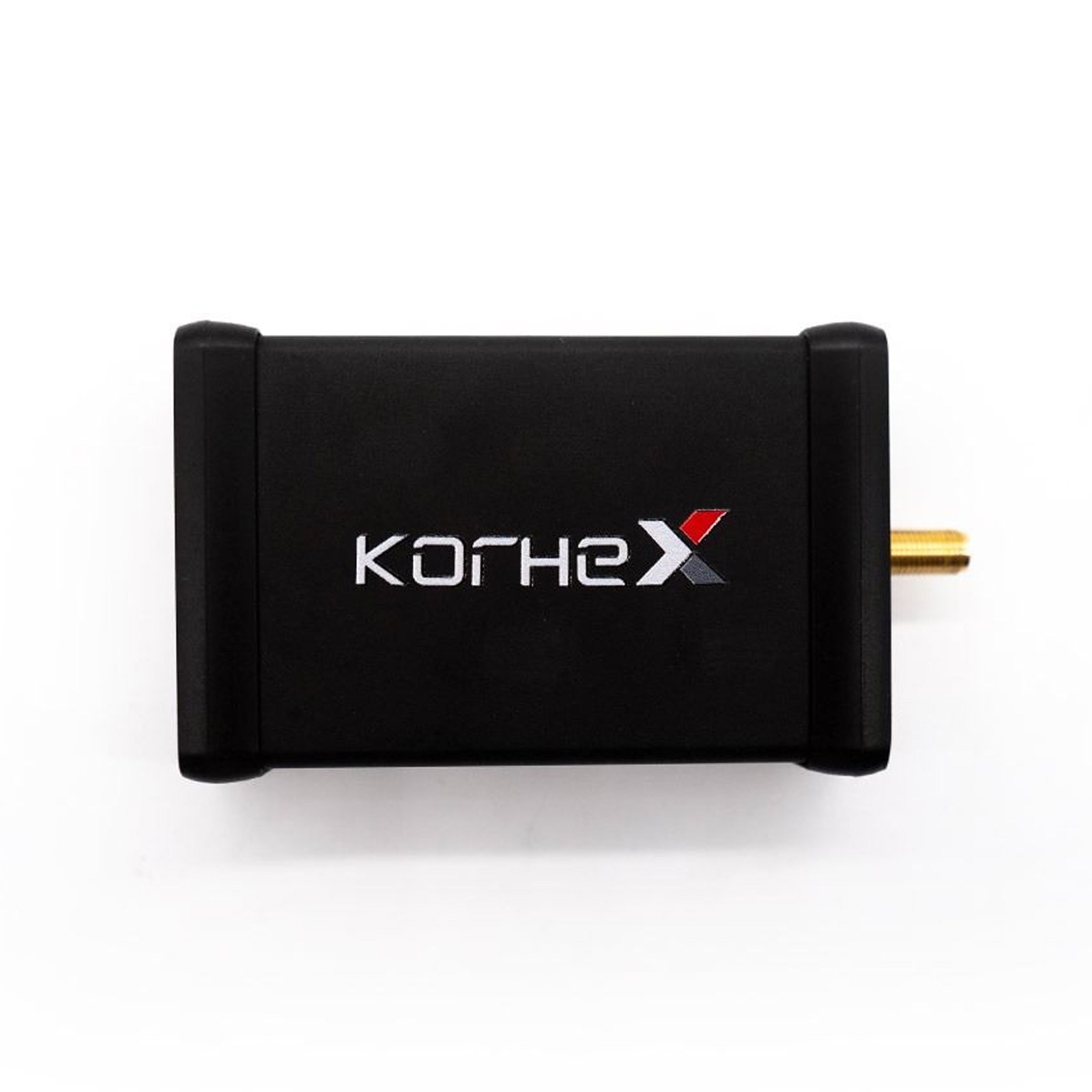
The Korhex is a boot glitch and MCU access tool designed for use with FLEX. This guide brings together the key checks and precautions to review before operation. Follow the positioning instructions for the specific MCU and application you are working with.
3 Things to Check Before Operation
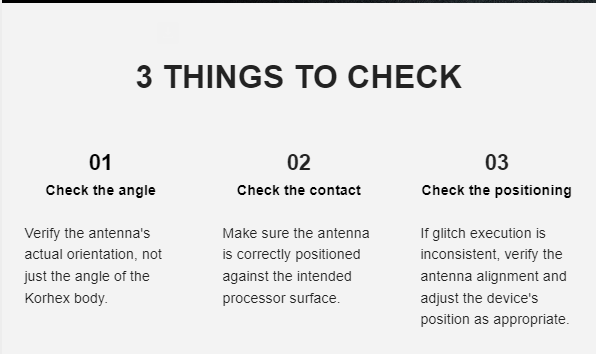
1. Check the Antenna Alignment
Correct antenna alignment is one of the most important factors when positioning your Korhex. Keep the Korhex body perpendicular to the MCU, but do not rely on the device angle alone. Always verify that the antenna itself is aligned with the designated contact point on the MCU.
Depending on the antenna’s geometry and mounting position, keeping the Korhex body perpendicular may not be enough to ensure correct antenna positioning. Check the actual antenna orientation as well as the housing angle.
2. Check the Contact Surface
Make sure the antenna is correctly positioned against the intended processor surface. Proper contact and alignment with the designated area are essential checks before proceeding. A small deviation in contact position can affect connection stability and may contribute to inconsistent glitch execution.
3. Check the Positioning
If glitch execution is inconsistent, verify the antenna alignment and the position of the device. Make any positioning adjustments only in accordance with the relevant technical instructions for the MCU you are working with.
4. Keep the Korhex Body Perpendicular
Do not tilt the Korhex device during operation. Keep the body perpendicular to the control unit as specified in the supplied guidance. Remember that the body angle alone does not guarantee correct antenna alignment: the antenna’s actual orientation and contact point must also be checked.
5. Use Positioning Masks Correctly
Positioning masks can help guide placement when the relevant application calls for them. You can purchase positioning masks from our shop or 3D-print them yourself by downloading the corresponding STL file from FLEX software.
- Make sure the mask is placed in the correct orientation.
- Do not turn the mask upside down.
- Follow the guided positioning instructions.
- Do not place additional objects between the antenna and the MCU, except for dedicated positioning masks specified by the instructions.
Korhex DON’Ts: Common Mistakes to Avoid
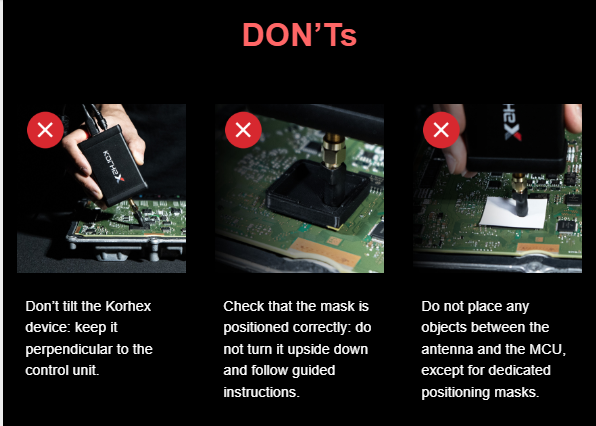
DON’T 1 — Tilt the Korhex
Do not tilt the device. Keep it perpendicular to the control unit and check the antenna’s actual orientation.
DON’T 2 — Position the Mask Incorrectly
Do not turn the positioning mask upside down. Check its orientation and follow the guided instructions.
DON’T 3 — Place Objects Between the Antenna and MCU
Do not place additional objects between the antenna and the MCU, except for dedicated positioning masks specified by the instructions.
Important Safety Precaution
Watch the Korhex Video Tutorial
Watch the video for a visual demonstration of how to use Korhex correctly and review the positioning guidance.
Get Your Korhex from FoxFlash

Korhex Boot Glitch and MCU Access Tool for FLEX
Discover the Korhex product and find more information in the FoxFlash online store.
For more ECU and TCU programming products, technical information and support, visit FoxFlash Official Store.