

OBDSTAR ECU Master Account Register and Password Reset Guide:
- Create Your Account
Setting up your user profile takes less than two minutes:
Open the portal: Head to the app interface and tap the Personal Center icon to open the login screen.
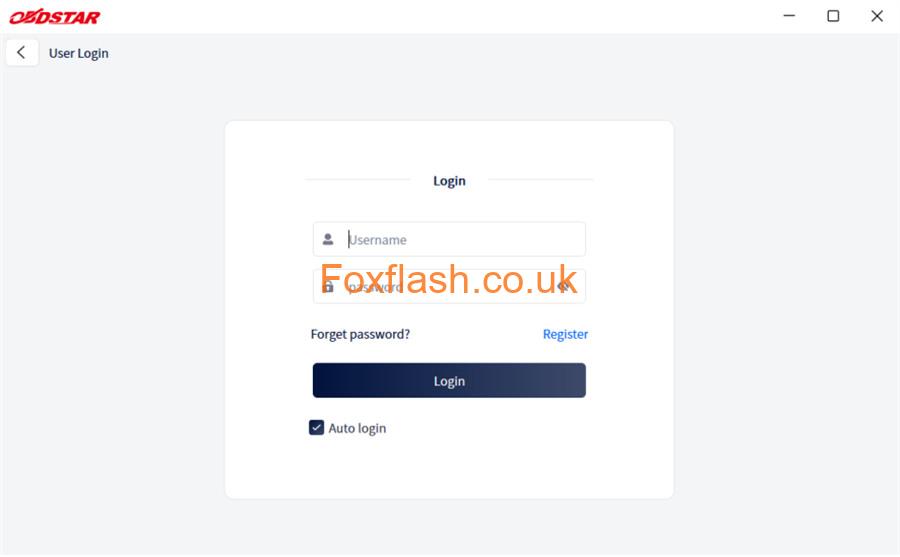
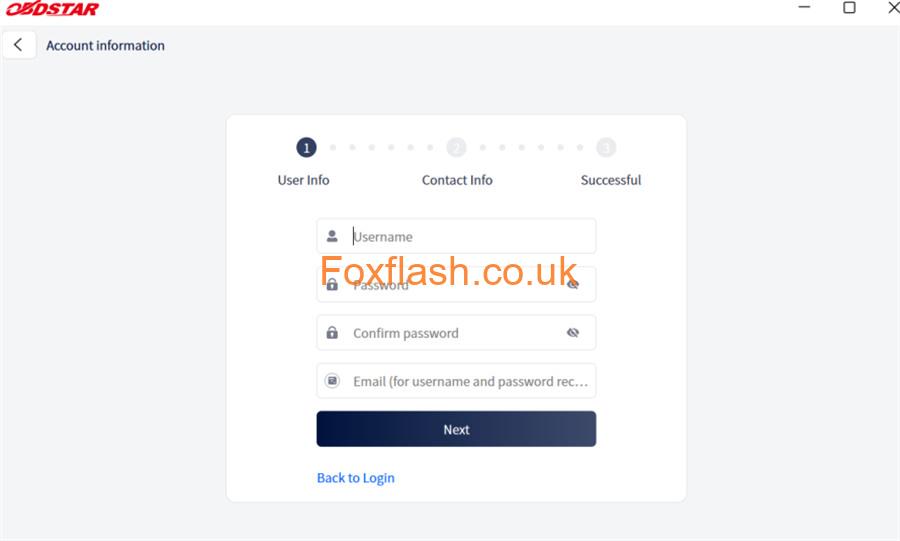
Sign up: Tap Register in the bottom right corner of the screen.
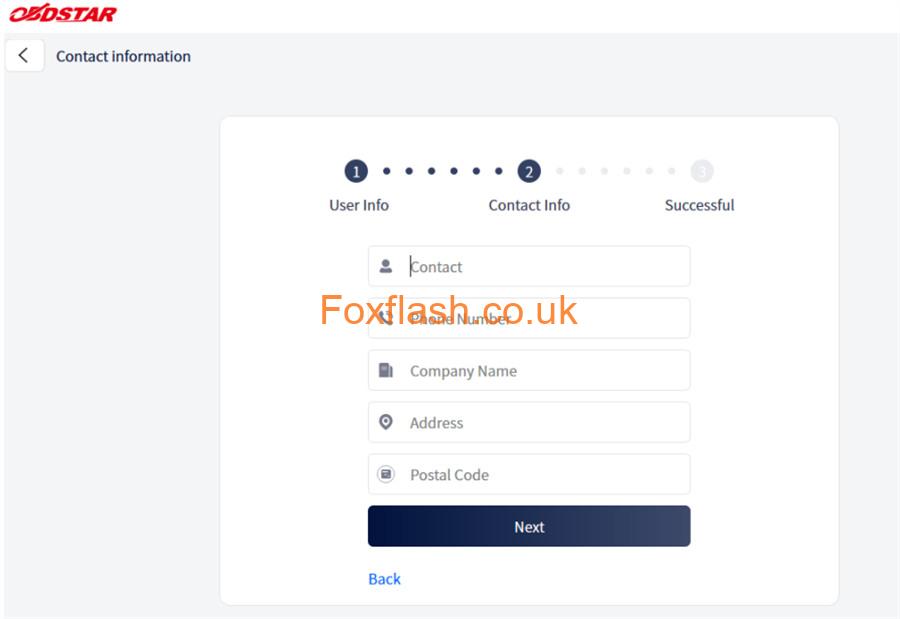
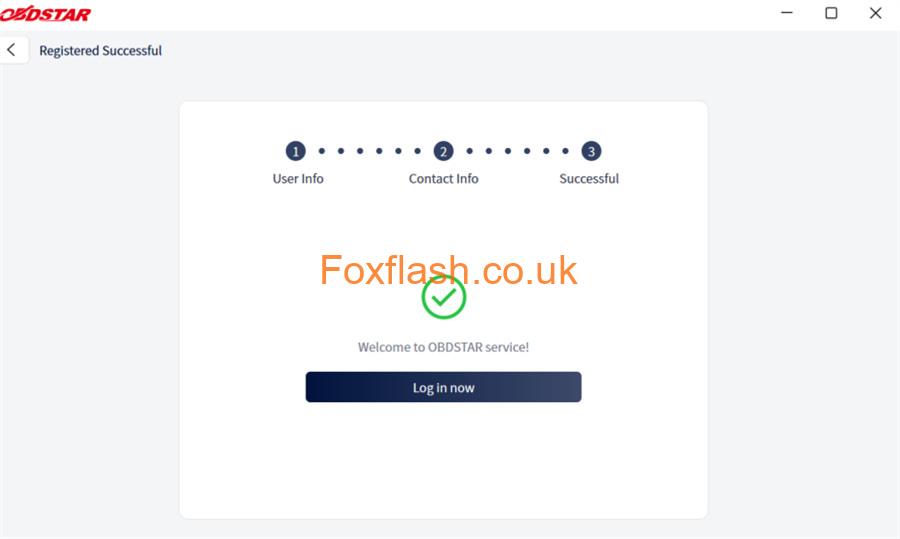
Submit details: Fill in the required fields. Once the confirmation message pops up to let you know registration was successful, tap Log in now to access your dashboard.
- Log In & Reset Passwords
Already have an account? Just enter your username and password, then hit Login.
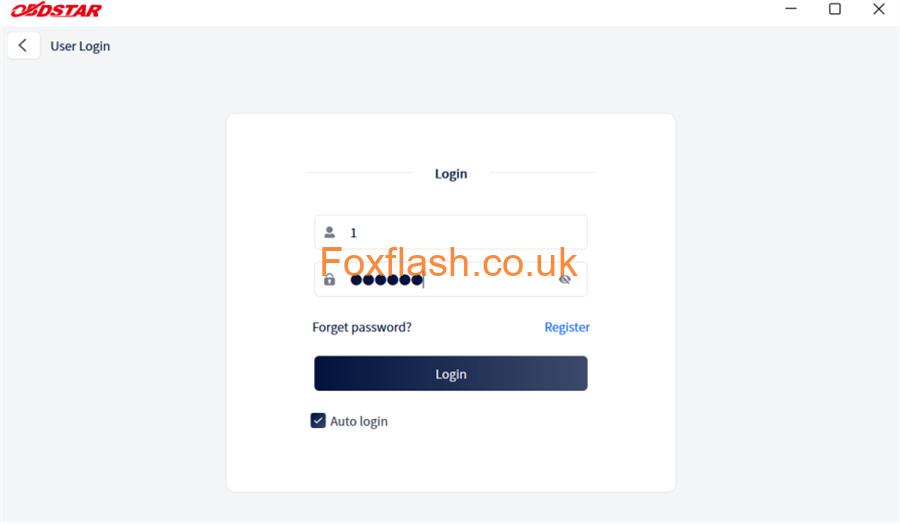
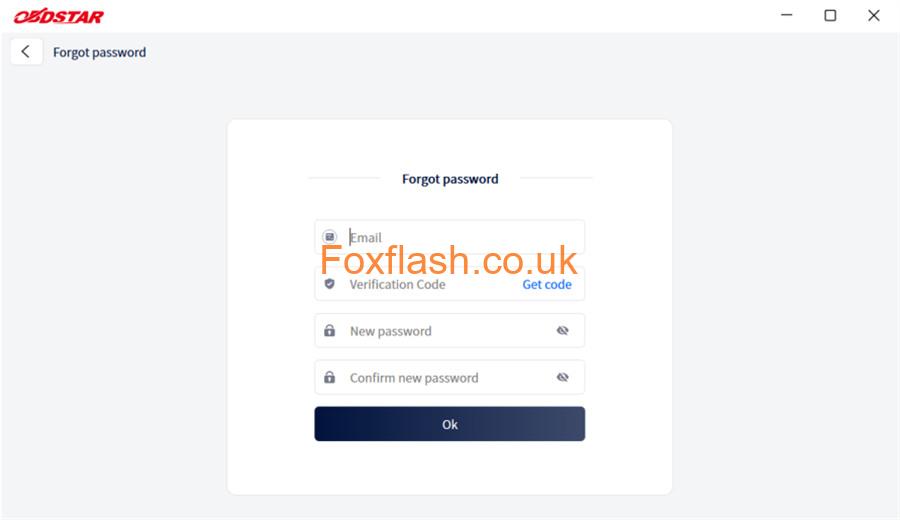
Locked out? Don’t worry. If you ever misplace your credentials, click the Forget password? link on the login page. Follow the prompts to verify your identity and establish a new password securely.
- Manage “My Info” & Finding Your Dealer
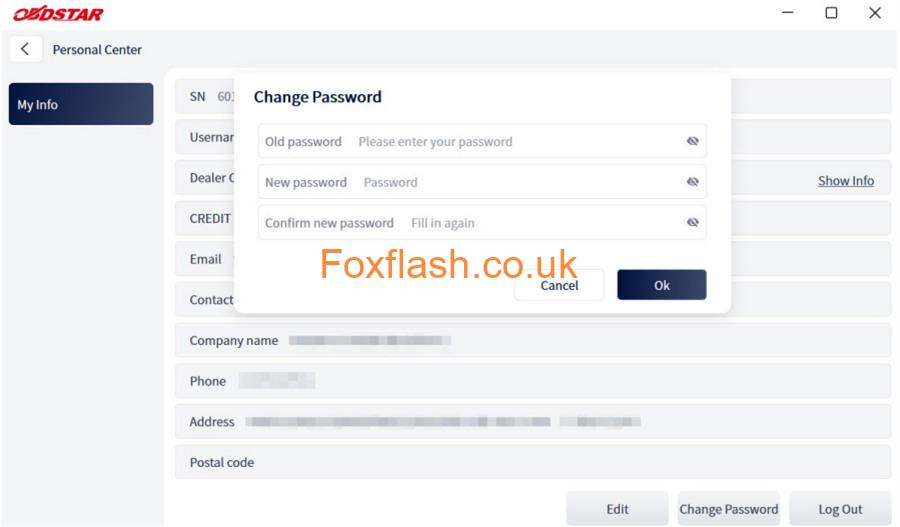
Once inside the Personal Center, your core profile details are instantly accessible.
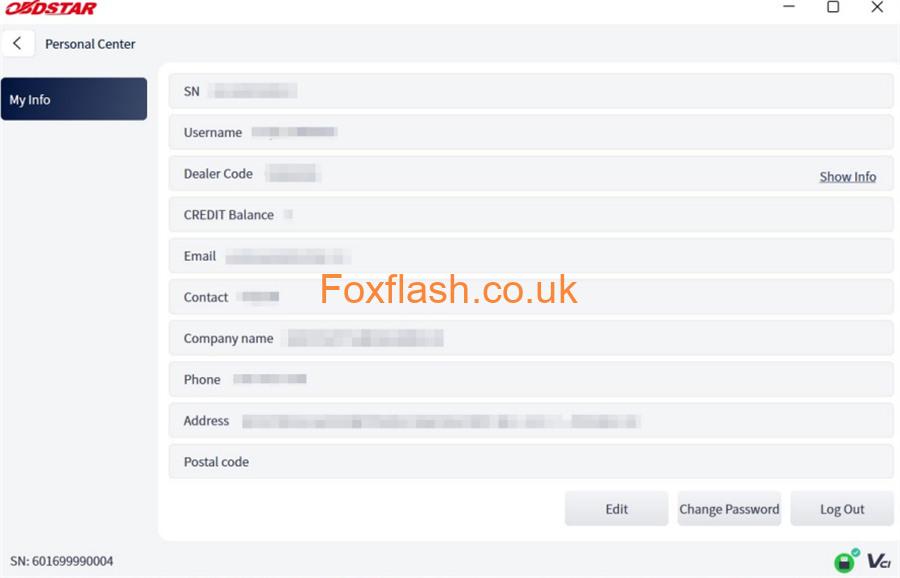
From this screen, you can manage your contacts or change security settings:
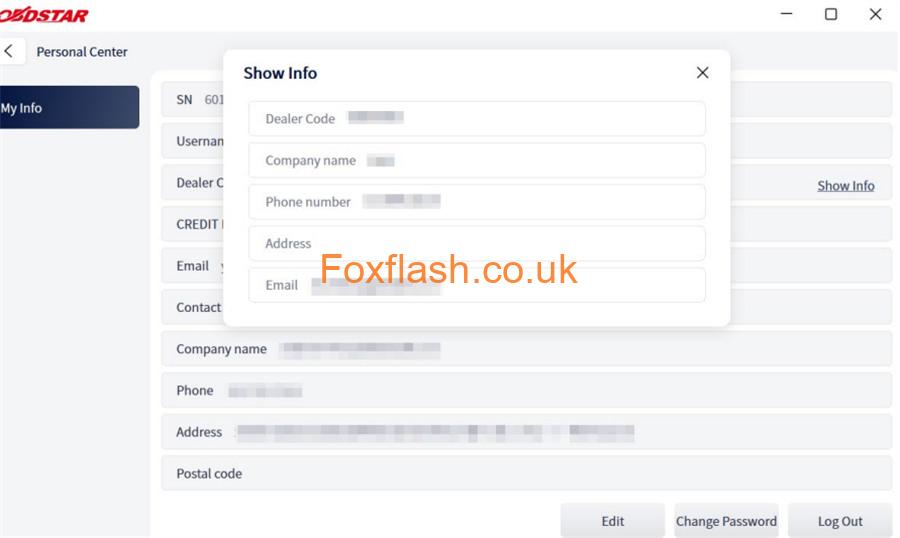
- Technical Support:Click Show Info right next to the “Dealer Code” field to instantly view the direct contact details for your assigned equipment distributor.
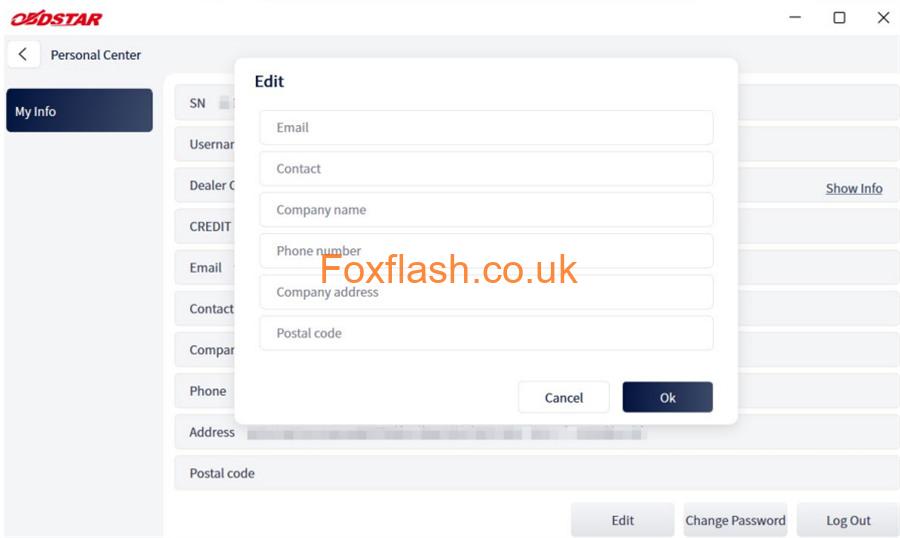
- Update Profile Details:Tap Edit at the bottom of the screen to refresh your shop’s contact info.
- Security Updates:Click Change Password at the bottom of the page to refresh your login credentials whenever needed.
Learn more:
OBDSTAR ECU Master Full Version