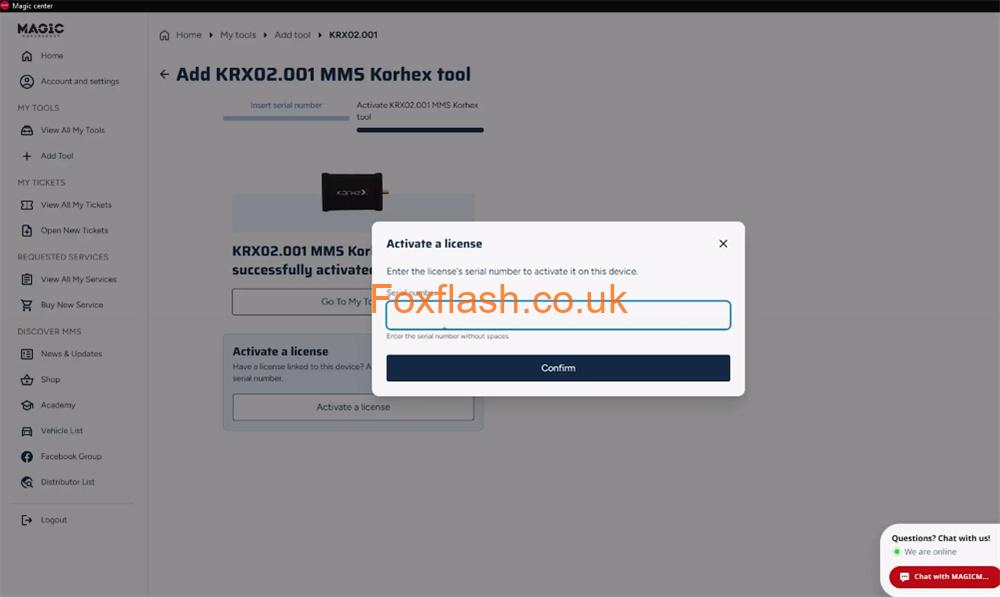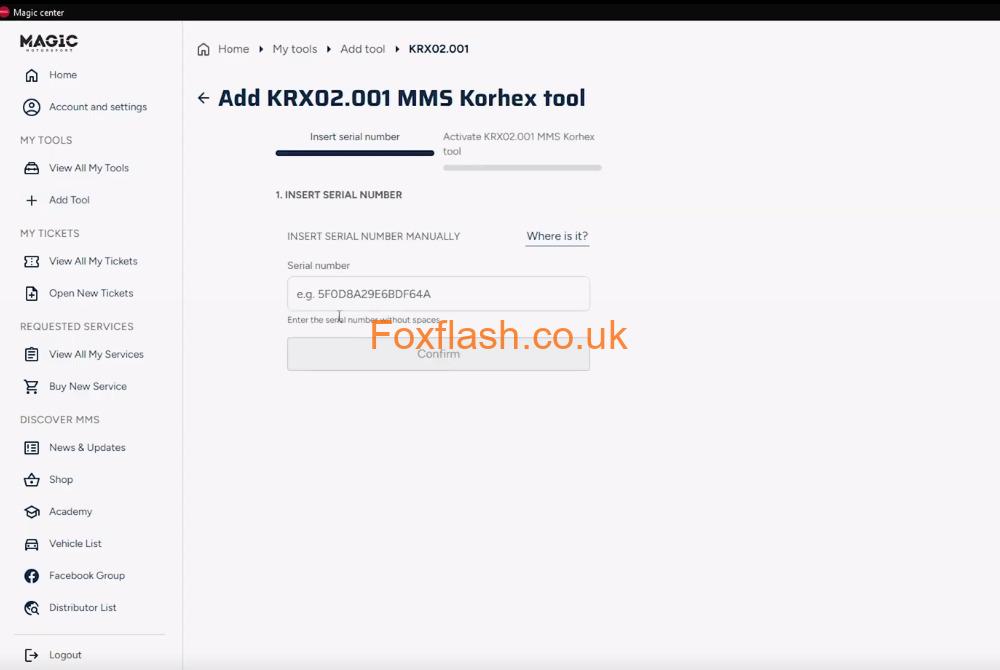
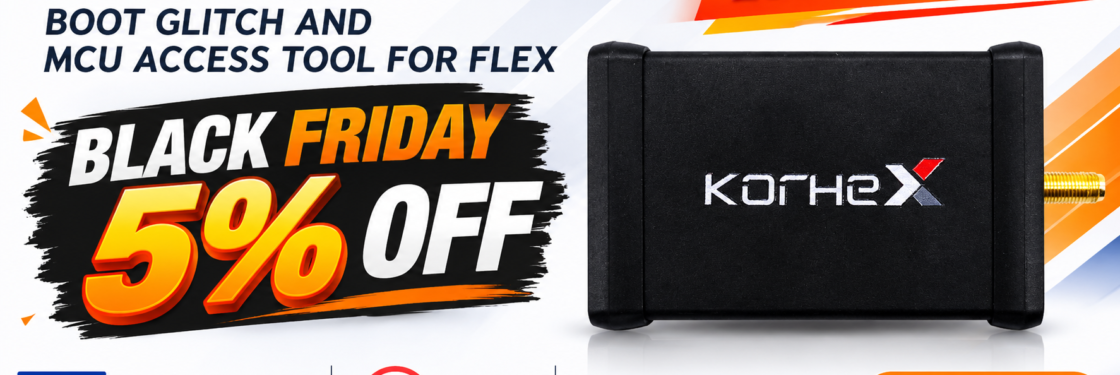
Magic Motorsport Korhex need to activation before using it. Once activated, the Korhex icon appears in the left sidebar of the FLEX software. You can open the illustrated tutorial from the top-right corner of the Korhex screen.
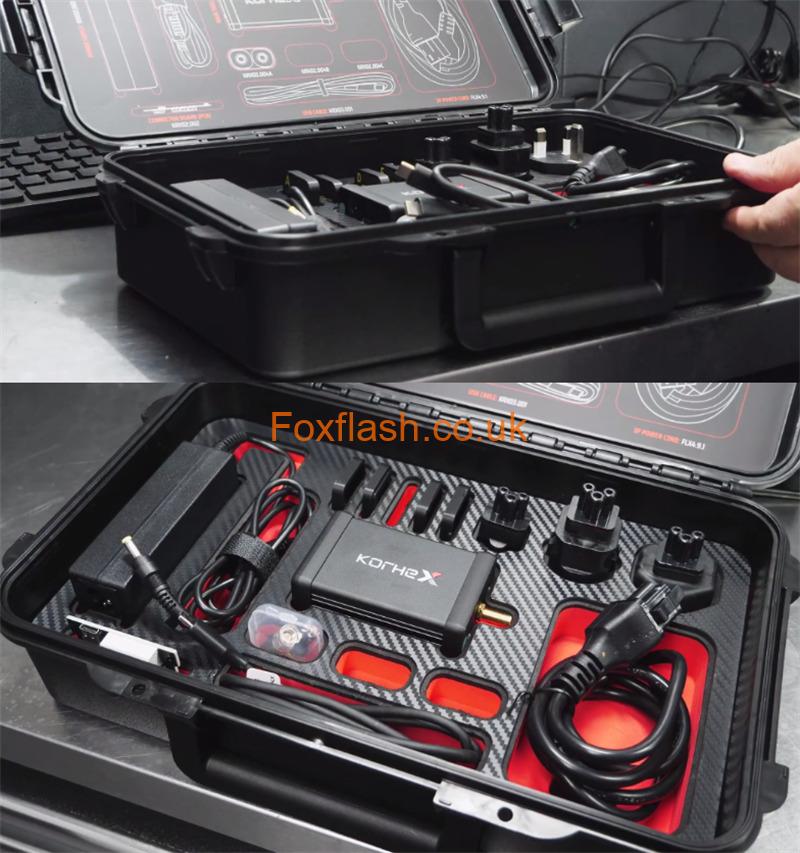
Korhex Activation Steps
1.Open the FLEX software.
2.Click Helpdesk to open your User Portal.
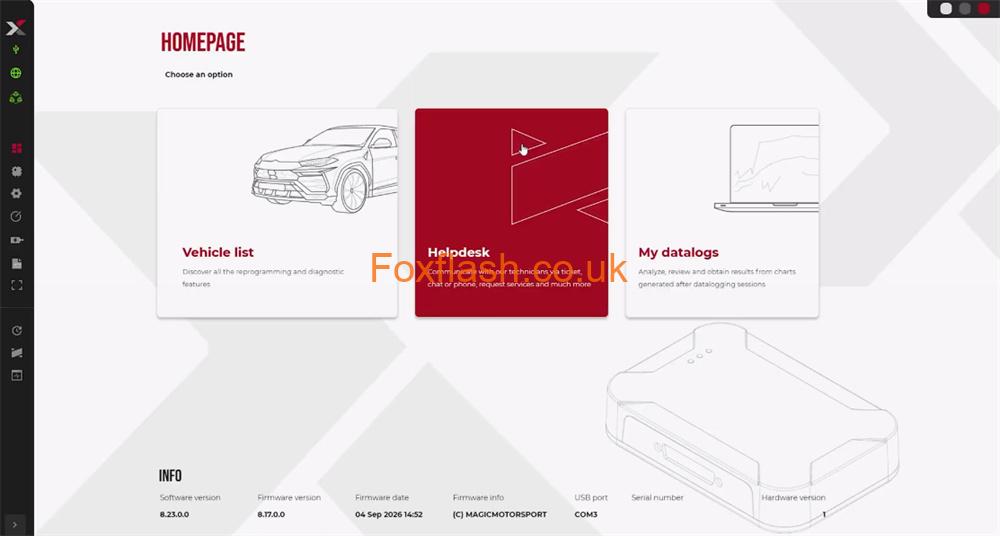
3.In the User Portal, select Add Tool.
4.Choose KRX02.001 MMS Korhex tool.
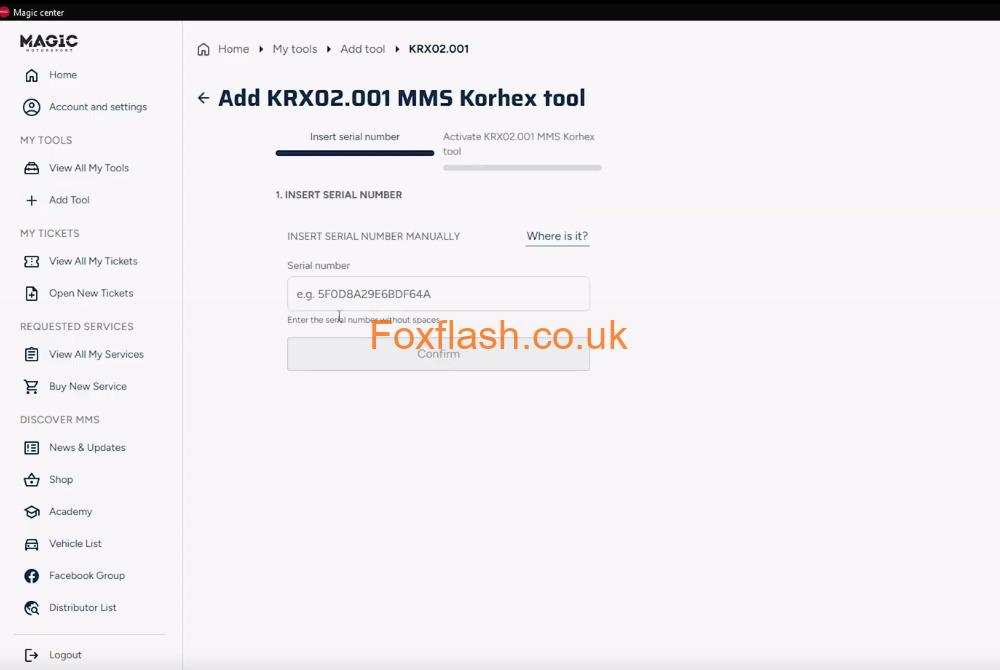
5. Enter the serial number printed on the back of your Korhex device to register it to your account.